Mastering Photos for HDR: A Professional Guide to High Dynamic Range Imagery
Elevate your visual storytelling by mastering HDR. Learn the difference between bracketing and RAW processing to capture stunning, high-contrast imagery.
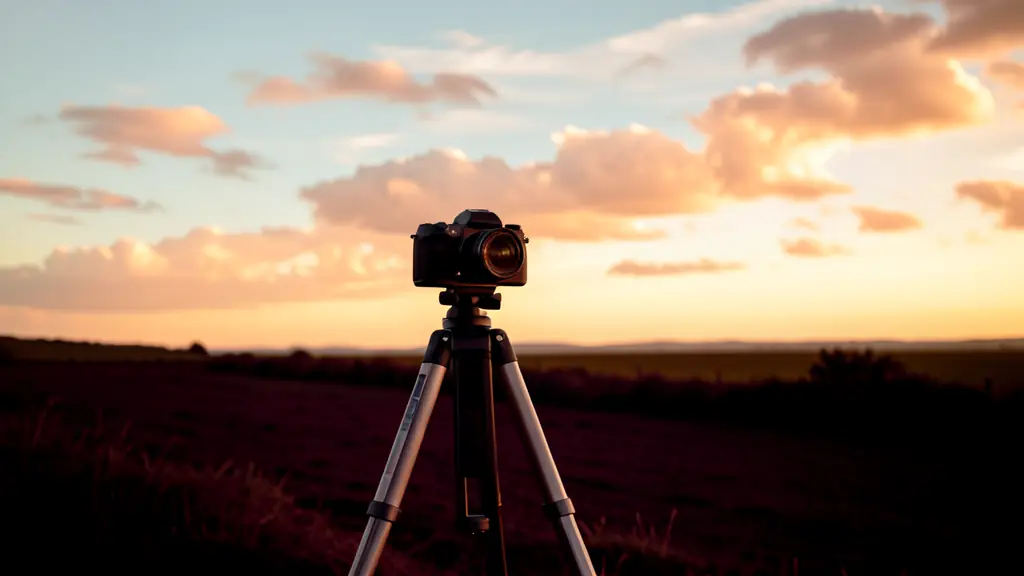
High Dynamic Range (HDR) is the ability to capture and display a greater range of luminosity than standard images, bridging the gap between the deepest shadows and the brightest highlights. It is critical to distinguish between the process of merging exposures (the capture) and HDR display (the output), as the former creates the data while the latter reveals its true potential.
No time to read?
- HDR captures a wider range of light and dark than standard images.
- Bracketing requires multiple exposures; RAW HDR uses a single high-quality file.
- Tone mapping converts HDR data into a format viewable on standard screens.
- Modern HDR displays allow for true brightness and deeper blacks without artificial mapping.
What Are HDR Photos? Understanding Dynamic Range
In the culinary and commercial world, the goal of creating photos for hdr is to mirror the human eye’s ability to perceive detail in high-contrast environments. Standard Dynamic Range (SDR) is limited, often resulting in highlight clipping (where bright areas become pure white) or crushed shadows (where dark areas lose all detail). This happens because traditional monitors typically support only about 8 stops of dynamic range, whereas a high-contrast scene, such as a sun-drenched bistro patio, may far exceed that limit.
To overcome these constraints, photographers use exposure bracketing. This technique involves taking multiple shots of the same scene at different exposure values (EV). By capturing one image that preserves the highlights, one for the mid-tones, and one for the shadows, you gather a complete map of luminosity that a single exposure cannot achieve.
Single-Exposure RAW vs. Bracketed HDR
The decision between using a single RAW file or a bracketed sequence depends entirely on the scene’s contrast ratio. Modern digital cameras are capable of capturing approximately 14–15 stops of dynamic range. In many cases, a single 14-bit or 16-bit RAW file contains enough latent data to recover shadow detail and pull back highlights during post-production without needing multiple frames.
However, when the contrast is extreme (for example, a dark interior with bright windows), a single RAW cannot recover detail that was fully clipped or completely underexposed. In these instances, bracketed HDR is mandatory. The resulting data is then compressed through tone mapping to fit the image into a viewable range.
| Feature | Single-Exposure RAW | Bracketed HDR |
|---|---|---|
| Capture Speed | Instant | Slower (Multiple shots) |
| Dynamic Range | High (14–15 stops) | Ultra-High (Combined) |
| Risk of Ghosting | None | High (Moving subjects) |
| Post-Processing | Standard RAW development | Merge $rightarrow$ Align $rightarrow$ Tone Map |
| Best Use Case | Soft, controlled lighting | Extreme backlit scenes |
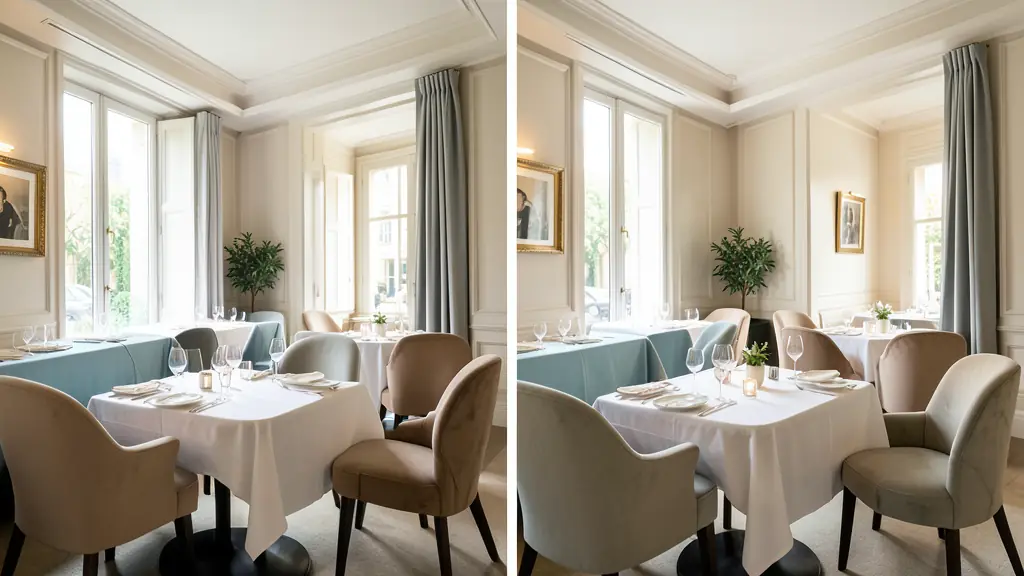
The Field Guide: Capturing HDR Photos
Precision in the field is what separates professional imagery from amateur attempts. Because HDR relies on merging multiple frames, any shift in the camera’s position can lead to alignment errors. Using a tripod is non-negotiable for architectural or still-life food shots to ensure frame consistency.
When configuring your gear, maintain a constant aperture. Changing the f-stop between brackets will alter the depth-of-field, making it impossible to merge the images seamlessly. For those assembling their professional photography equipment, ensuring the camera is locked in a manual mode is essential for consistent dynamic range capture.
Depending on the contrast, choose one of these bracket sequences:
* Low to Moderate Contrast: Three exposure brackets at 2 EV steps.
* High Contrast: Five brackets at 1 EV steps (e.g., -2, -1, 0, +1, +2).
* Single RAW Extraction: For mobile or fast workflows, extracting five virtual exposures (from -1 to +3 EV) from a single RAW file.
Example settings for a high-end still life: ISO 200, 50mm, 1/10 second, and f/16.
The Processing Workflow: From Merge to Master
Once the images are captured, the technical heavy lifting begins in the digital darkroom. The first step is the HDR merge, where the software aligns the images and blends the exposure data into a 32-bit RAW DNG file. During this process, auto-alignment corrects minor shifts, while ghosting reduction tools handle motion artifacts (such as a flickering candle or a moving guest) that would otherwise create blurred « ghost » images.
RAW image processing then shifts toward balancing global and local contrast. Global contrast affects the overall image, while local contrast enhances the edges and textures of the food or architecture. The final step is tone mapping, which translates the massive amount of 32-bit data into a format that can be displayed on a screen without looking surreal or « plastic. »
Key workflow steps:
1. Merge: Combine brackets into a high-bit-depth file.
2. De-ghost: Remove motion artifacts.
3. White Balance: Calibrate colors across all merged exposures.
4. Tone Map: Compress the dynamic range for the target display.
5. Denoise: Apply noise reduction to recovered shadow areas.

Legacy Tone Mapping vs. Modern HDR Displays
There is a fundamental difference between the « HDR look » of the last decade and modern HDR output. Legacy HDR relied on aggressive tone mapping to force high-range data onto Standard Dynamic Range (SDR) monitors. Since SDR displays typically show only 100–200 nits, photographers exaggerated local contrast to simulate depth, often resulting in an unnatural, hyper-real aesthetic.
Modern HDR display technology changes the equation. With the advent of OLED and mini-LED screens, displays can now reach peak brightness levels of 400–1600 nits. When an image is viewed on a P3 wide-gamut display, the software no longer needs to compress the data as aggressively. Instead, it utilizes the screen’s actual luminosity (nits) to represent bright light sources, providing up to 4 additional stops of dynamic range over SDR. This results in a naturalistic image where the light feels authentic rather than processed.
Strategic Application: When to Use (and Avoid) HDR
HDR is a creative choice, not a default enhancement. When used strategically, it justifies premium pricing by making a brand’s visual identity feel polished and expansive.
Ideal Use Cases:
* Backlit Culinary Scenes: Preserving the texture of a dish while keeping a bright window background.
* Luxury Interiors: Capturing the intricate details of a dark cocktail bar and its glowing neon accents.
* Cityscapes: Balancing the deep shadows of urban canyons with the bright midday sky.
Danger Zones:
* Skin Tones: Over-processing HDR can make skin look metallic or « dirty » due to excessive local contrast.
* Animal Fur: High-contrast merging can create unnatural halos around fine textures.
* Stylistic Shadows: Avoid HDR when deep, moody shadows are a conscious design choice for the brand’s atmosphere.
The HDR Toolkit: Software and Mobile Workflows
Professional HDR production requires tools capable of handling 32-bit floating-point workflows. Adobe Lightroom and Adobe Camera Raw offer seamless HDR Merge features that integrate directly into the RAW development pipeline. For more granular control over tone mapping, Adobe Photoshop, Photomatix Pro, and Nik HDR Efex Pro remain industry standards for high-end commercial work.
For those on the move, Lightroom Mobile has introduced computational HDR. On compatible devices (such as Google Pixel 7, 8, and 9 running Android 14), the app can generate a single 32-bit RAW DNG file. This mobile workflow leverages internal timers (2, 5, or 10 seconds) and various crop ratios (16:9, 3:2, 4:3, 1:1) to streamline the capture process, though it still requires a stable hand or tripod to avoid motion artifacts.
To maintain brand integrity, always perform a creative audit: compare your final HDR result against a natural reference. If the image looks surreal or « plastic, » reduce the tone mapping intensity. The goal is to enhance the appetite appeal and the luxury perception of the brand, not to create a digital artifact that cheapens the quality of the food.
FAQ
Do HDR photos require a tripod?
While not strictly mandatory for single-image HDR, a tripod is highly recommended for bracketed HDR to ensure perfect alignment between frames and eliminate motion blur.
How do I reduce ghosting in HDR images?
Ghosting occurs when subjects move between bracketed shots. Use ‘ghost reduction’ tools in software like Lightroom or Photoshop to select the most stable frame for moving elements.
What is an HDR DNG file?
An HDR DNG is a 32-bit linear RAW file created by merging multiple exposures, preserving the full dynamic range for flexible editing in post-production.
Envie d'aller plus loin ?
Laisse ton email, on te prévient dès qu'un nouvel article sort.